Business Reporting Software for Sales, Profit, Stock, Finance, and Operations
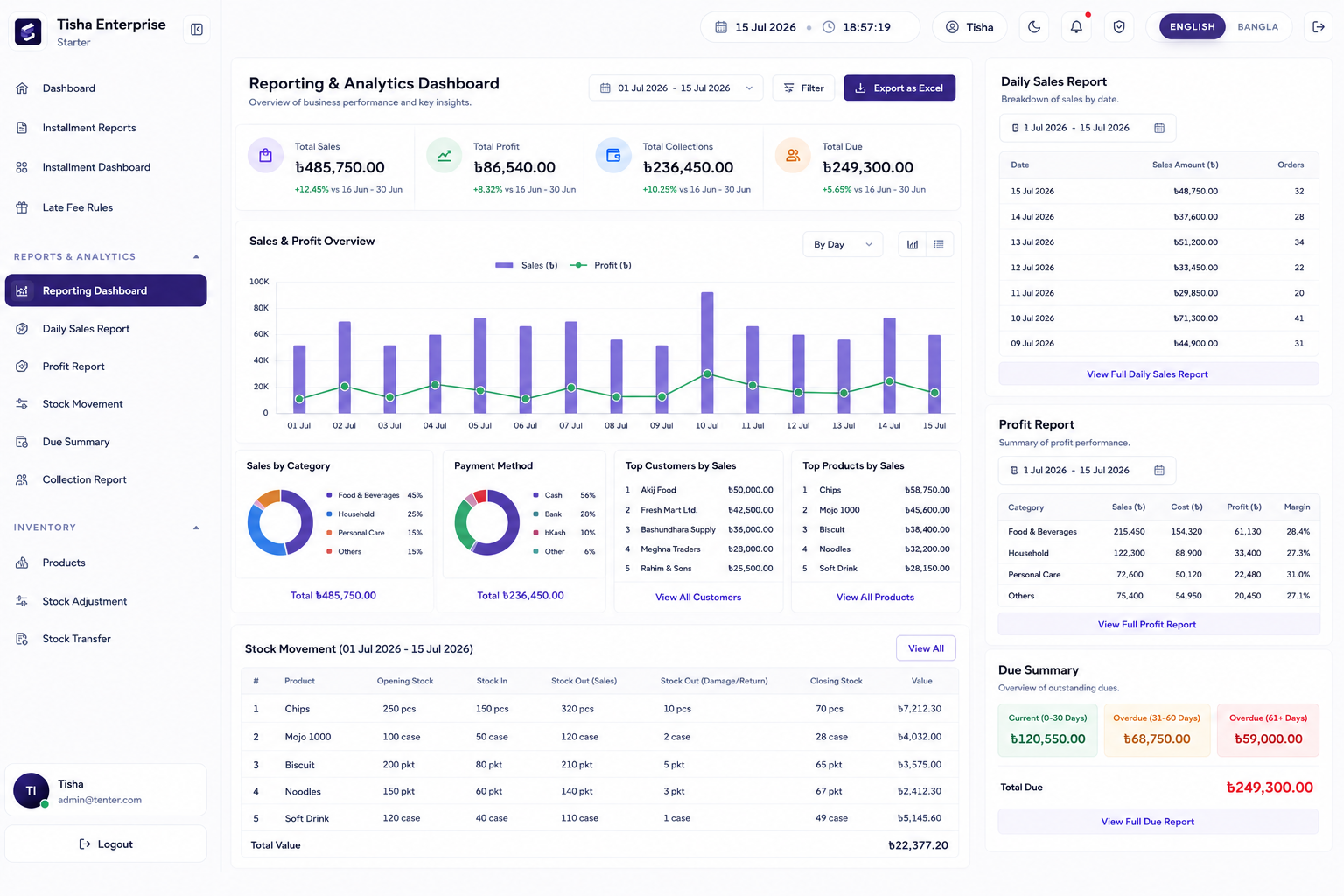
Use dashboards, daily sales reports, profit reports, stock movement, activity logs, financial statements, and operational reports to understand the business.
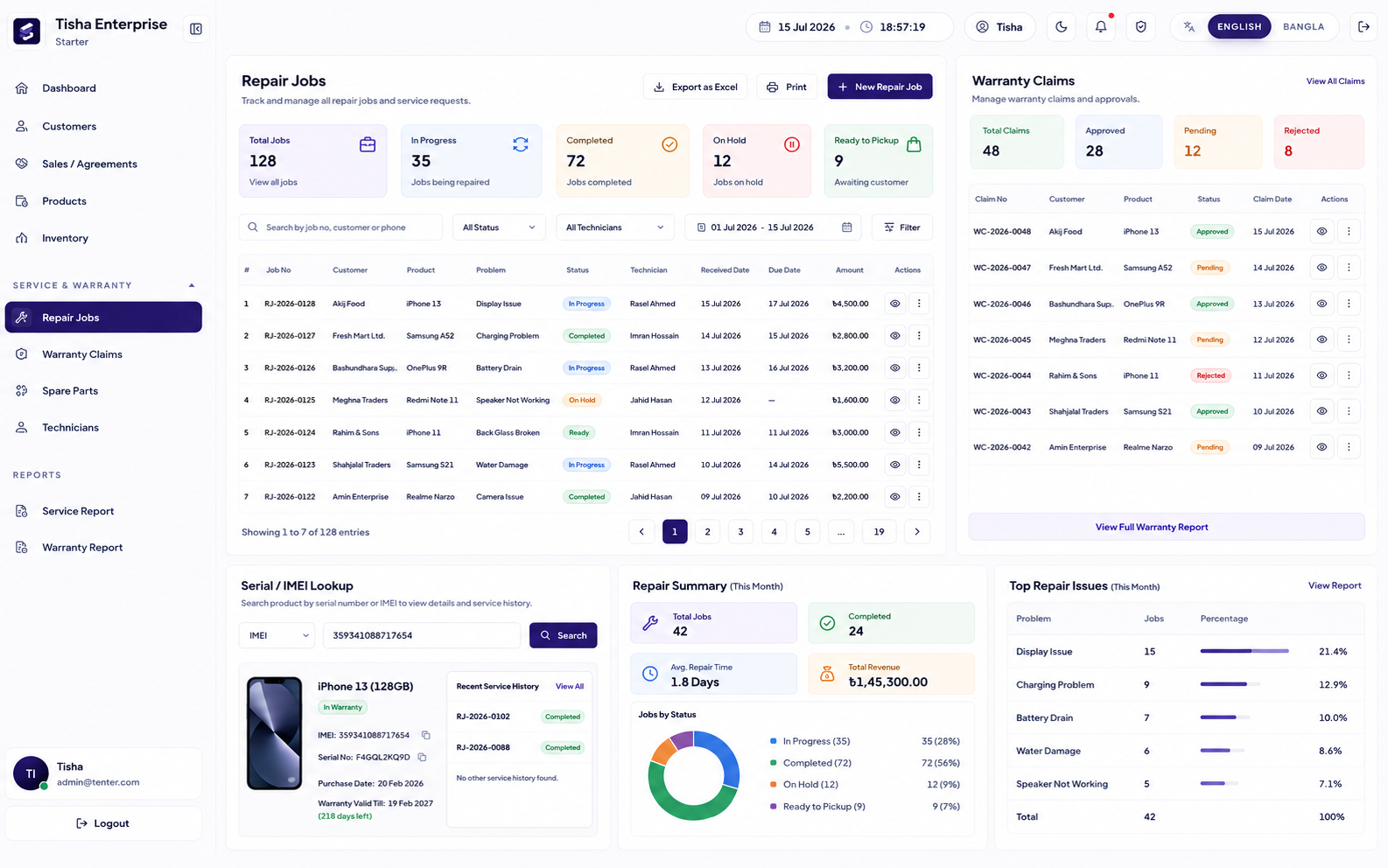
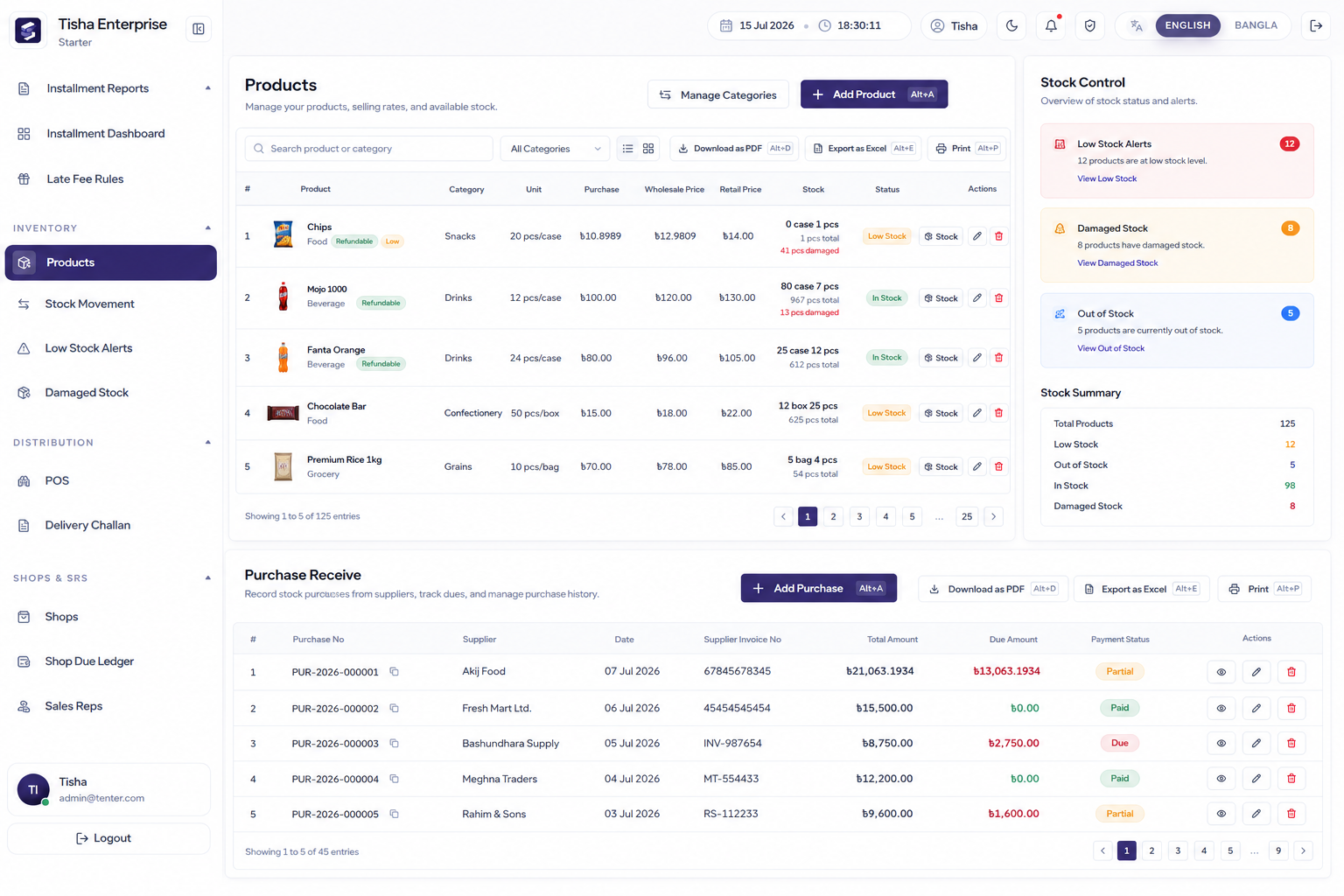
Because sales, stock, purchases, dues, payments, HR, finance, and accounting live together, reports are based on the same records your team uses every day.
StockLedger workflow
Owner visibility from anywhere
Managers can monitor sales, dues, profit, stock, cash, expenses, and team activity without waiting for manual summaries.
StockLedger workflow
Good reporting pages rank because they answer owner questions
Searchers looking for business reporting software usually want answers to practical management questions: what sold today, which products are low, who still owes money, what cash came in, where profit is leaking, and what the team changed. That is the context this page now covers more clearly.
Buying guide
Why businesses search for this type of software
Buyers usually land on this page when the current workflow has become too manual, too slow, or too disconnected from daily reporting. They are not just looking for a feature list. They want to know whether Reports & Analytics can stay connected with sales, stock, due, purchasing, finance, user control, and management reporting.
That is where StockLedger is different from a narrow single-purpose tool. It is designed for businesses that want one operational system instead of separate apps that have to be reconciled later. For many teams in Bangladesh, that means fewer duplicate entries, better owner visibility, and cleaner day-end or month-end review.
Expected outcomes
What usually improves after implementation
Quicker operational review using dashboards and reports tied to live workflows.
Less debate over numbers because teams look at one connected record base.
Better decision-making for stock, due, spending, and profit control.
Connected modules
What businesses usually connect next
The strongest SEO pages are also the clearest buying pages. A company that needs Reports & Analytics rarely needs it in isolation. Most teams also ask about reporting, finance visibility, stock accuracy, collection control, role permissions, or route accountability.